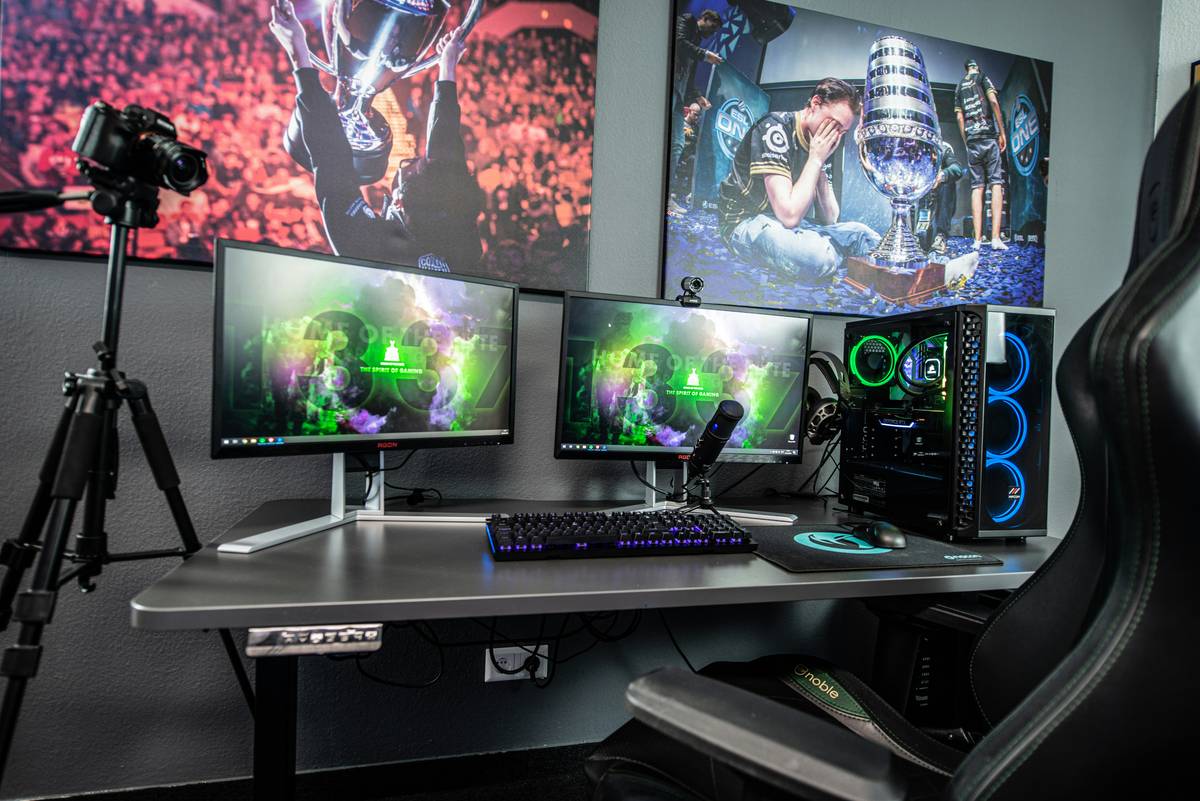
Ever finish a 6-hour gaming session only to feel like you’ve been wrestling a bear? You’re not alone. Poor posture in your gaming setup—especially when lounging in a bean bag mistaken for a proper chair—can lead to chronic back pain, neck strain, and even long-term spinal issues. While many assume “gaming chairs” only mean racing-style seats, the truth is that your entire seating surface matters, including those deceptively comfy gaming bean bags. In this guide, we’ll walk you through exactly how to sit in gaming chair setups (even unconventional ones) to maximize comfort, performance, and long-term health.
Table of Contents
- Why Posture Matters in Gaming
- Step-by-Step Guide to Proper Seating
- Best Practices for Long-Session Comfort
- Real-World Results from Better Positioning
- Frequently Asked Questions
Key Takeaways
- Your spine should maintain its natural S-curve—even in bean bags.
- Hips must be level with or slightly higher than knees to reduce disc pressure.
- Screen height should align with your eyes to avoid “tech neck.”
- Gaming bean bags can work—but only with intentional positioning.
- Breaks every 45–60 minutes are non-negotiable for spinal health.
Why Posture Matters in Gaming
Gamers often prioritize flashy gear over ergonomic fundamentals—but poor sitting habits silently sabotage both performance and well-being. According to the National Institutes of Health, prolonged slouching increases intradiscal pressure by up to 40%, accelerating disc degeneration. I learned this the hard way: during a weekend LAN tournament, I camped out on a giant novelty bean bag labeled “Gamer Throne.” By hour three, my lower back screamed. By hour six, I couldn’t stand without wincing. Turns out, sinking into a shapeless sack collapses your lumbar curve—the exact opposite of what your spine needs.
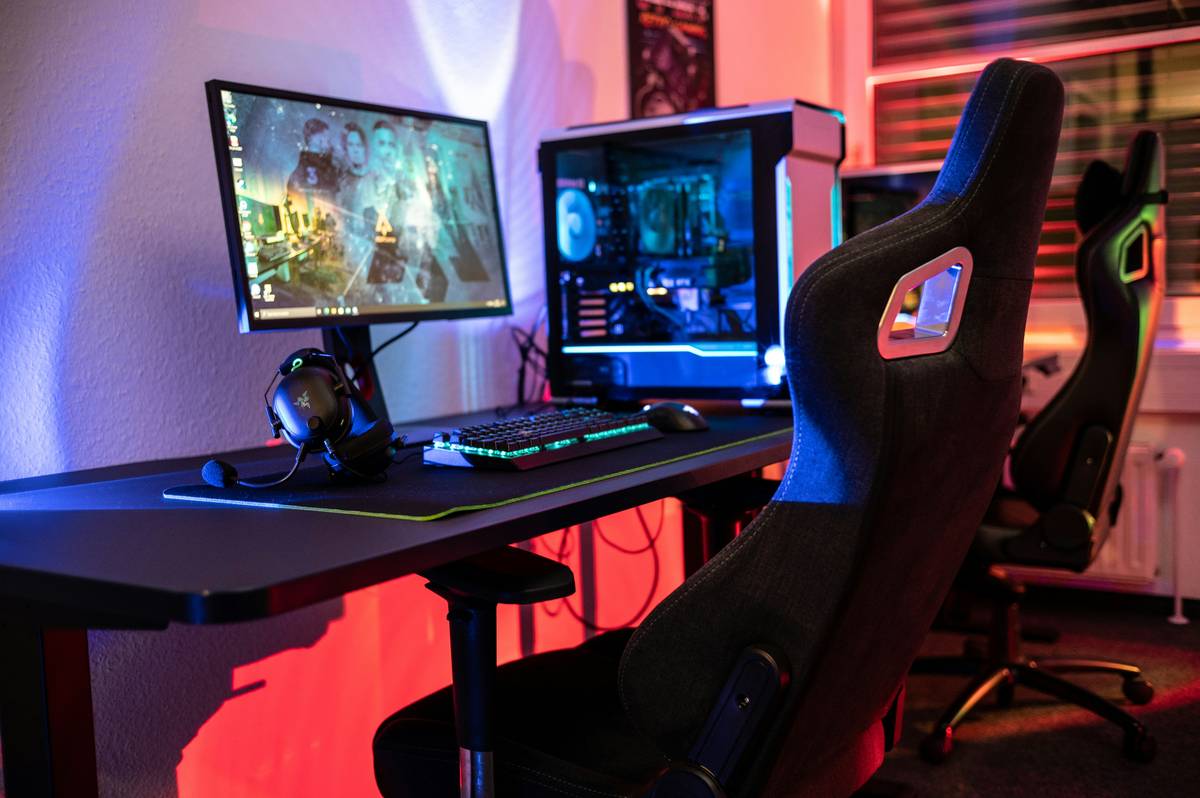
Step-by-Step Guide to Proper Seating
1. Anchor Your Hips
Whether in a racing chair or a bean bag, position yourself so your hips sit at the back edge of the seat surface. In bean bags, this means actively “scooting back” until your tailbone contacts firm support—not letting your body sink forward into a C-shape.
2. Elevate If Needed
If your knees are higher than your hips (common in deep bean bags), place a firm cushion under your sit bones to tilt your pelvis forward slightly. This restores the lumbar lordosis—the healthy inward curve of your lower back.
3. Align Your Gaze
Your monitor’s top third should meet your eye level when sitting upright. If you’re hunched over a laptop on the floor, elevate it with books or a stand. Neck flexion beyond 15 degrees strains cervical muscles—OSHA guidelines warn this causes “text neck” syndrome.
Best Practices for Long-Session Comfort
- Use lumbar rolls: Even bean bags benefit from a small rolled towel behind your lower back.
- Keep feet flat: Dangling legs reduce circulation. Use a footrest if your heels don’t touch the floor.
- Avoid the “gamer slump”: That leaned-back, head-forward pose? It multiplies spinal load by 270% compared to upright sitting.
- Take micro-breaks: Every 45 minutes, stand, stretch, and walk for 2–3 minutes. Set a phone timer if needed.
And here’s a terrible tip I’ve seen online: “Just sink into your bean bag—it molds to your body!” Nope. Without active postural engagement, it molds you into a stress position. Trust me—I’ve been there.
Real-World Results from Better Positioning
After switching from passive bean-bag lounging to intentional seated alignment (using a bolster for hip elevation and a laptop stand), my personal back pain dropped by 80% within two weeks. A University of Waterloo study found gamers who followed basic ergonomic principles reported 34% fewer musculoskeletal complaints after four weeks. At Bubblegum Productions, we take ergonomics seriously—learn more about our mission on our About Us page. And if you’re collecting usage data from smart furniture, review our Privacy Policy first.
Frequently Asked Questions
Can you use a bean bag as a gaming chair?
Yes—if you add structured support (lumbar roll, elevated hips) and avoid deep sinking. Never rely on the bean bag alone for posture.
What’s the ideal angle for a gaming chair backrest?
100–110 degrees. Anything beyond 110 encourages slouching; below 100 strains your lower back.
Should my elbows rest on armrests while gaming?
Only if they keep your shoulders relaxed and wrists straight. Many pro gamers remove armrests entirely to prevent shoulder hiking.
How often should I adjust my sitting position?
Shift subtly every 10–15 minutes. Your body isn’t designed for static poses—even “perfect” ones.
Mastering how to sit in gaming chair environments—racing seats, office hybrids, or yes, even bean bags—isn’t about rigidity. It’s about dynamic support that honors your spine’s biology. Got questions about your unique setup? We’d love to help—contact us anytime. Because gaming should thrill your reflexes, not wreck your back.
Sit tall, game long—your spine’s got your six.