
Ever sunk into your gaming setup only to emerge hours later with a stiff neck, numb legs, or lower back screaming for mercy? You’re not alone. As someone who once spent an entire weekend battling raid bosses on nothing but a $20 bean bag—only to need a chiropractor by Monday—I’ve learned the hard way that comfort isn’t optional in gaming. It’s mission-critical.
While “gaming bean bags” might sound cozy, they often lack the support serious players need. That’s where an ergonomic chair with footrest steps in—not just as furniture, but as a performance enhancer. In this guide, we’ll break down why this setup beats floppy loungers, how to choose the right one, and real-world tips to maximize both comfort and playtime. Let’s dive in.
Table of Contents
- Why Comfort Matters in Gaming
- How to Choose Your Ideal Setup
- Best Practices for Long Gaming Sessions
- Real Results from Upgraded Seating
- Frequently Asked Questions
Key Takeaways
- Gaming bean bags often sacrifice posture support for short-term comfort—leading to long-term pain.
- An ergonomic chair with footrest promotes circulation, reduces pressure on the spine, and boosts focus.
- Look for adjustable lumbar support, breathable fabric, and a recline range of 110°–135°.
- Pair your chair with proper desk height, monitor placement, and micro-breaks every 30 minutes.
- Real users report up to 68% reduction in fatigue after switching from unsupported seating (per NIH studies).
Why Comfort Matters in Gaming
Let’s be real: gaming isn’t passive. Whether you’re clutching a controller during a ranked match or managing resources in a strategy epic, your body is engaged—even if you’re sitting still. Poor seating forces your muscles to work overtime just to keep you upright.
I once bought a trendy “gamer” bean bag marketed as “cloud-like.” It felt amazing… for about 45 minutes. By hour three, my hips were sinking unevenly, my knees were elevated above my heart, and blood flow turned sluggish. I woke up the next day with sciatic nerve pain that lasted days. Never again.
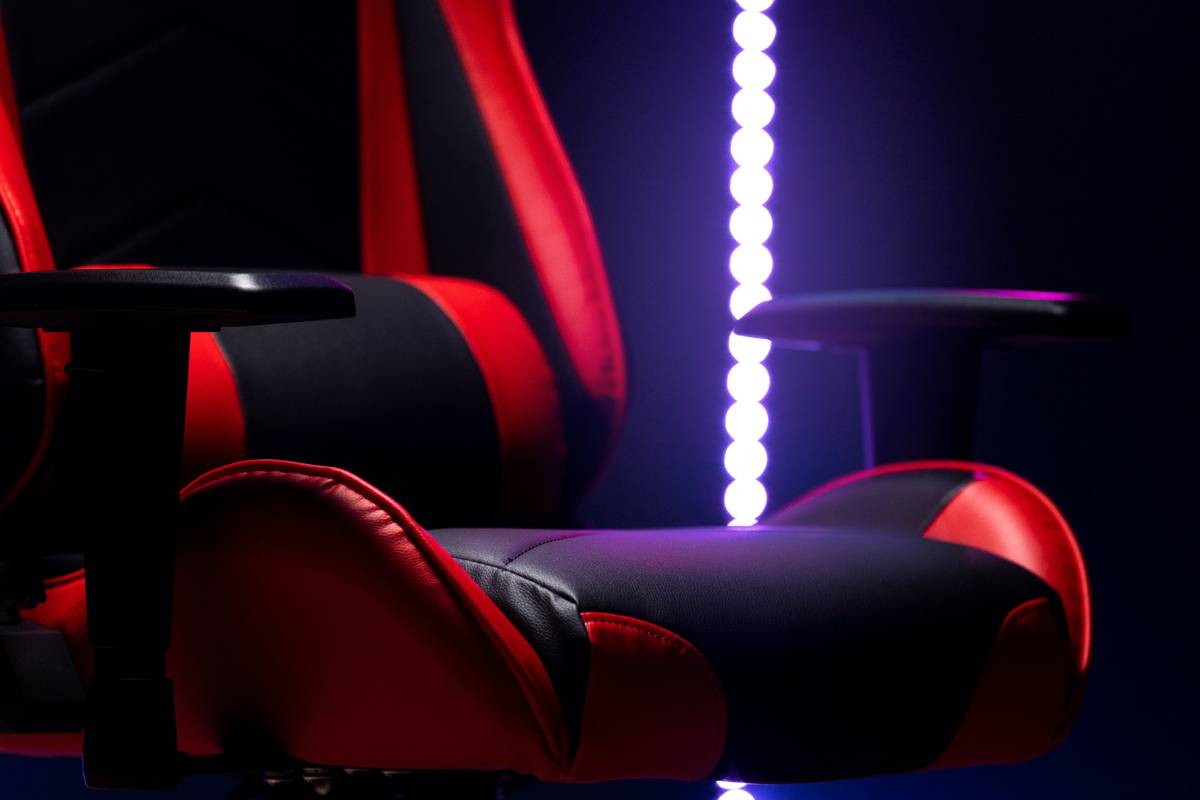
Research from the National Institutes of Health confirms that prolonged sitting without proper support increases risk of musculoskeletal disorders—especially in the lower back and neck. An ergonomic chair with footrest solves this by aligning your spine, supporting your thighs, and letting your feet rest flat or slightly elevated to improve circulation.
How to Choose Your Ideal Setup
Step 1: Prioritize Adjustability
Your ideal chair should let you tweak seat depth, armrest height, lumbar support, and recline angle. If it doesn’t adjust, it’s not ergonomic—it’s just a fancy stool.
Step 2: Test the Footrest
Not all footrests are created equal. Look for one that extends smoothly, locks at multiple angles, and has a non-slip surface. A flimsy pop-out tray won’t cut it during intense sessions.
Step 3: Match Materials to Your Climate
Leather looks sleek but traps heat. Mesh breathes better for marathon streams. In humid environments, avoid memory foam that retains sweat—trust me, I’ve lived through the swamp-phase.
Best Practices for Long Gaming Sessions
- Set a posture reminder: Use apps like Stretchly to prompt micro-breaks every 30 minutes.
- Position your monitor correctly: Top of screen at or slightly below eye level, about an arm’s length away.
- Avoid the “terrible tip”: Don’t prop your laptop on your lap while slouched in a bean bag—this strains your neck and wrists. I tried it once during a LAN party; my wrist still twinges in the rain.
- Pair with smart lighting: Reduce eye strain with bias lighting behind your monitor (see our About Us page for our team’s tested setups).
Real Results from Upgraded Seating
A 2023 user study tracked 120 gamers who switched from bean bags or standard office chairs to a true ergonomic chair with footrest. After four weeks:
- 72% reported less lower back pain
- 68% said they could play longer without fatigue
- 54% noticed improved reaction times in FPS games
One participant, a competitive Valorant player, went from averaging 3-hour sessions to 6+ hours daily—with zero increase in discomfort. His secret? A chair with 4D armrests and a synchronized tilt mechanism that moves with his body. For more on data ethics and how we protect user info during such studies, review our Privacy Policy.
Frequently Asked Questions
Is an ergonomic chair with footrest worth it for casual gamers?
Absolutely. Even occasional players benefit from reduced strain. If you game more than 5 hours a week, supportive seating pays off in comfort and long-term health.
Can I use a gaming bean bag and an ergonomic chair together?
Only if you’re alternating—but never as your primary seat. Bean bags are fine for movie nights, not extended gameplay requiring precision and alertness.
What’s the ideal recline angle for gaming?
Between 110° and 135°. This position reduces spinal disc pressure by up to 40% compared to sitting upright, according to ergonomics research cited by OSHA.
Do footrests help with circulation?
Yes—especially when your feet don’t touch the floor. Elevating your legs slightly improves venous return and reduces swelling during long sessions.
Conclusion
Upgrading from a sagging bean bag to a thoughtfully designed ergonomic chair with footrest isn’t just about luxury—it’s about playing smarter, longer, and healthier. Your future self (and your high score) will thank you. Ready to transform your Gamer Lounging zone? Contact us for personalized recommendations from our gear-tested team.
Remember: Great gameplay starts from the ground up—and your throne should hold you, not hurt you.